Description
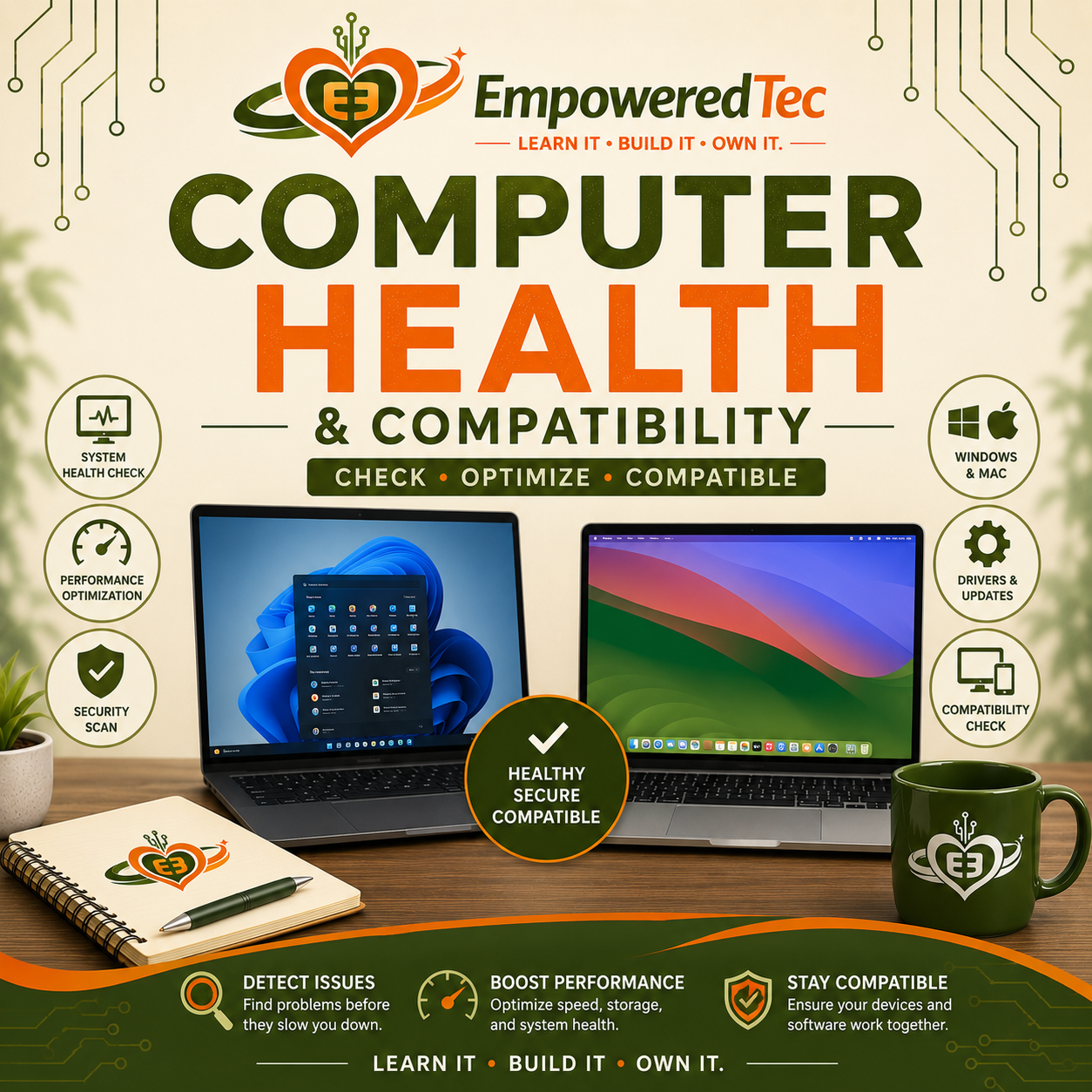
Computer Health & Compatibility Check
Is your computer slow, cluttered, or simply not the right computer for what you’re trying to do?
The EmpoweredTec Computer Health & Compatibility Check provides a professional review of your Windows PC or Mac, including performance, storage, updates, security basics, and overall system health.
We’ll also look at how you’re actually using your computer and whether your current system is a good fit for your business, software, equipment, and everyday workflow.
What’s Included
Computer Health Review
- Windows PC or Mac system review
- Processor and memory usage
- Available storage
- Startup/login applications
- Operating system and update status
- Basic hardware specifications
- Security/antivirus status
- Unnecessary applications
- Basic performance concerns
- General system condition
Basic Optimization
When appropriate and approved by you, we may:
- Remove temporary files
- Review unnecessary startup/login applications
- Install standard operating system updates
- Perform basic browser cleanup
- Remove unwanted applications with your approval
- Make basic system-setting adjustments
Business & Software Compatibility Review
Having a good computer doesn’t automatically mean it’s the right computer for your needs.
We’ll discuss what you use your computer for and review compatibility considerations for things such as:
- Business software
- Microsoft 365
- Specialized applications
- Printers and scanners
- Business peripherals
- Creative/design applications
- Manufacturing or production equipment
- Required Windows-only or macOS-only software
- File compatibility
- Hardware requirements
- Upgrade limitations
For Mac users, we’ll explain where macOS works well and where compatibility limitations may affect particular business software, hardware, peripherals, or workflows.
The goal isn’t to tell you that one platform is always better.
The goal is to make sure you’re using the right technology for what you actually need to do.
Your Recommendations
We’ll explain our findings as:
FIX NOW — Issues affecting security, stability, or normal use.
IMPROVE NEXT — Changes that may improve performance or usability.
FUTURE CONSIDERATIONS — Upgrades, software changes, compatibility concerns, or possible computer replacement.
What’s NOT Included
- Hardware repair or replacement
- Replacement parts
- Computer disassembly
- Screen or battery replacement
- Data recovery
- Major malware remediation
- Ransomware recovery
- Operating system reinstallation
- Password bypass
- Large data migrations
- Advanced network troubleshooting
- Paid software or licenses
- Ongoing IT support
If additional work is needed, we’ll explain the issue before recommending or performing services outside the Health & Compatibility Check.
Don’t Just Ask, “Is This a Good Computer?”
Ask:
“Is this the right computer for what I need to do?”
EmpoweredTec helps you understand the health of your computer, its limitations, and whether your technology actually fits the way you work.
Learn IT · Build IT · Own IT.



Reviews
There are no reviews yet.